Team members and roles
Owner, manager, member — who sees what in your portal.
Open this in your portal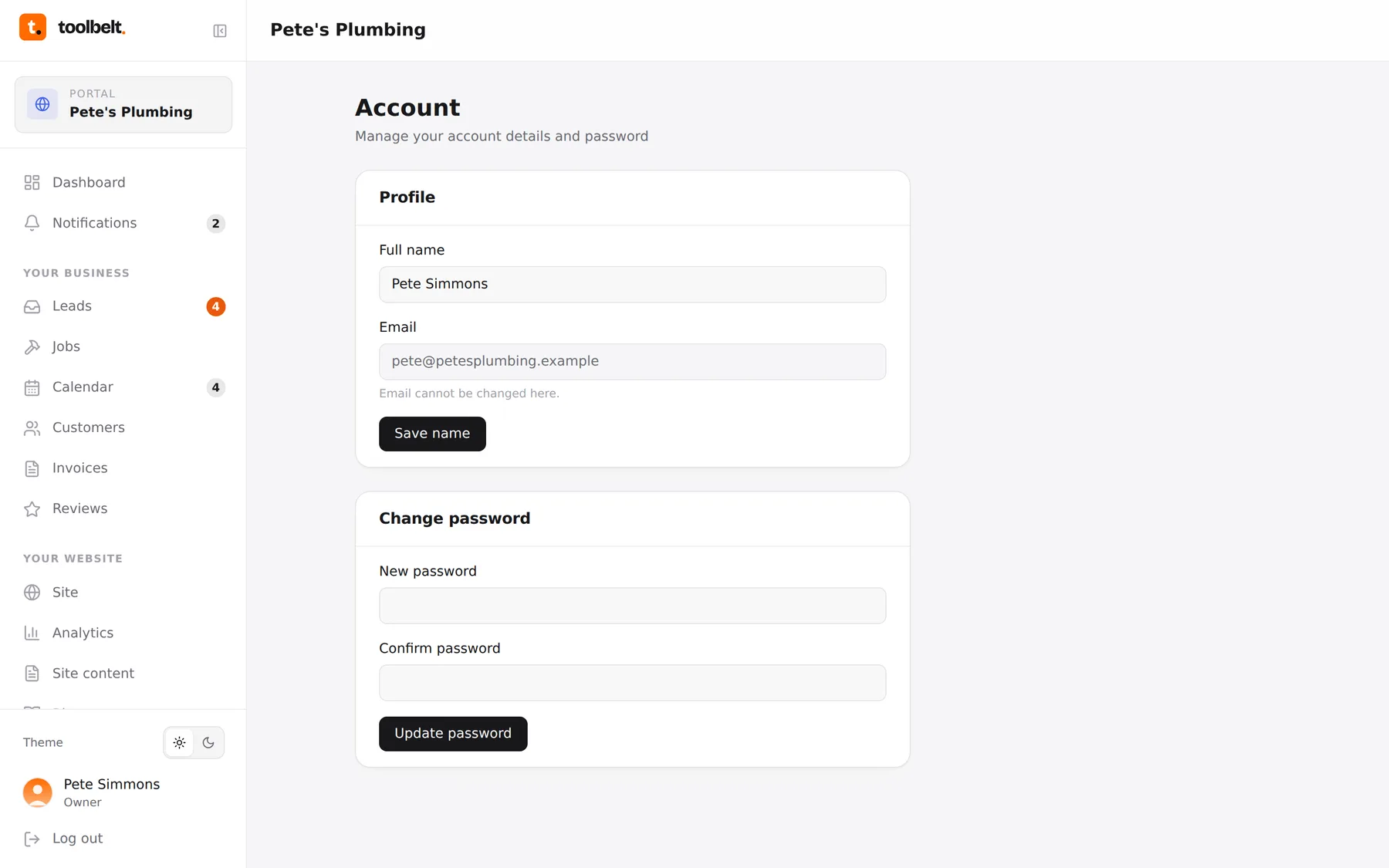
If it’s not just you on the tools, it shouldn’t be just you in the portal. Team logins are included, and everyone gets a view that fits their job.
The three roles
- Owner — the lot: money, website, billing, requests to us. That’s you.
- Manager — runs the day-to-day: leads, jobs, calendar, customers, invoices and reviews, but no website or billing controls.
- Member — on-the-tools view: the calendar and their own jobs. Perfect for an apprentice who needs the diary, not the accounts.
What changes per role
The sidebar simply shrinks to fit. A member sees Dashboard, Calendar and their jobs; a manager gets the business pages; owners see everything, including billing and requests.
Adding someone
Team size is part of your plan — to add or remove a login, drop us a request with their name and email and we’ll set them up. They’ll get an invite to choose their own password.
Tip: assign jobs to people on the calendar and the per-person filter becomes your morning briefing — everyone can see their own day on their own phone.