Request a change to your website
Anything you can't (or don't want to) do yourself — send it to us and track it like a chat.
Open this in your portal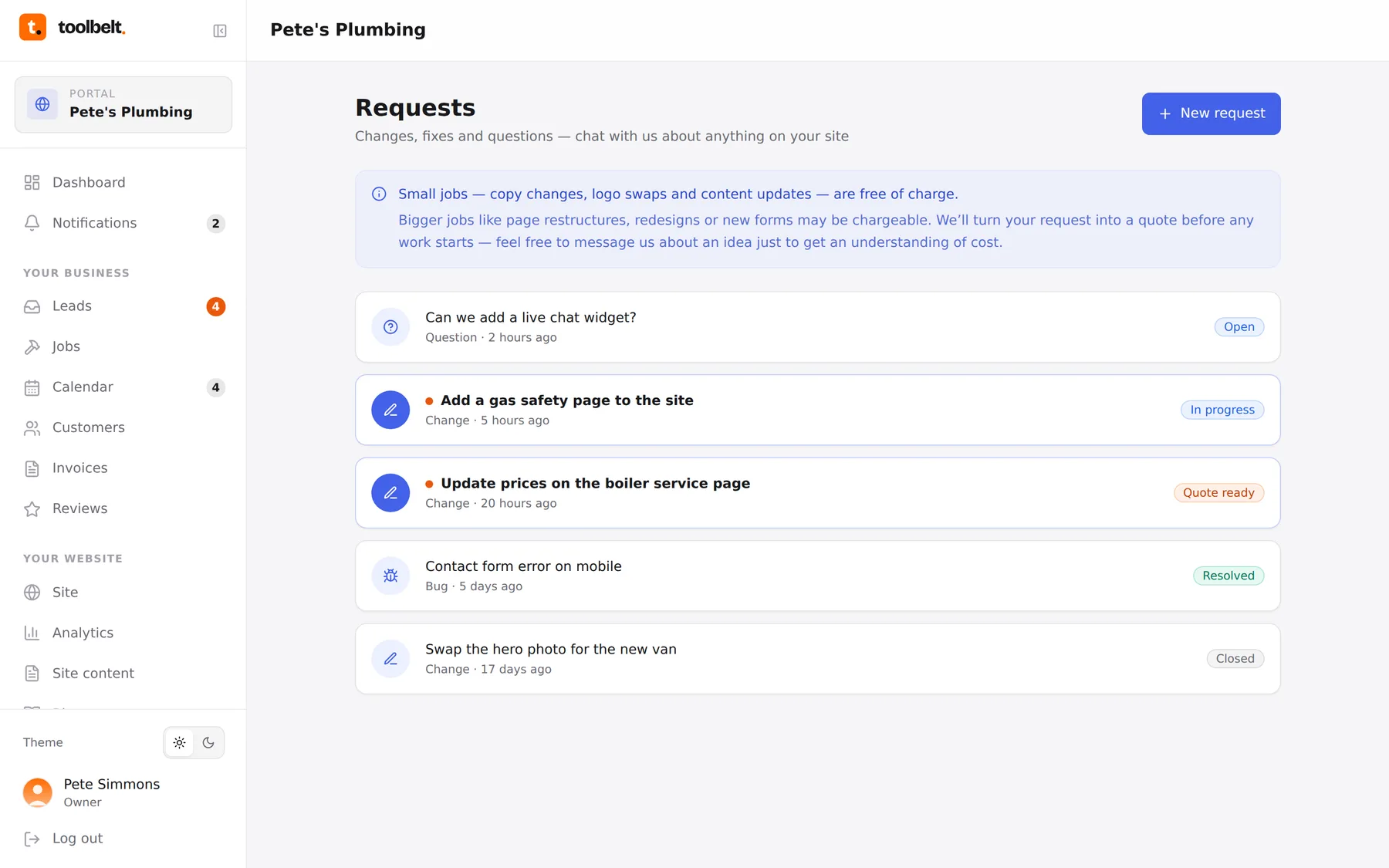
Requests is your direct line to us. New pages, design tweaks, “something looks off on mobile”, “can we add online payments” — one place, tracked properly, so nothing gets lost in a text thread.
Step by step
- Open Requests and tap New request.
- Pick a type — change, bug, question — write what you’re after, attach a photo or screenshot if it helps.
- Send it. Each request becomes a chat thread: replies, questions and progress all stay in one place, and the sidebar badge tells you when we’ve answered.
Quotes and credits
Small stuff is included in your plan’s fair use. Bigger jobs get quoted inside the thread first — a clear price in credits, and nothing happens until you say yes. When it’s done, the request is marked resolved and the change goes out with the next publish.
Tip: one request per thing. “Fix the header AND add a gallery AND change prices” as three requests gets each one done quicker than one tangled thread.