Your account and password
Update your name, change your password, and see who else is on the team.
Open this in your portal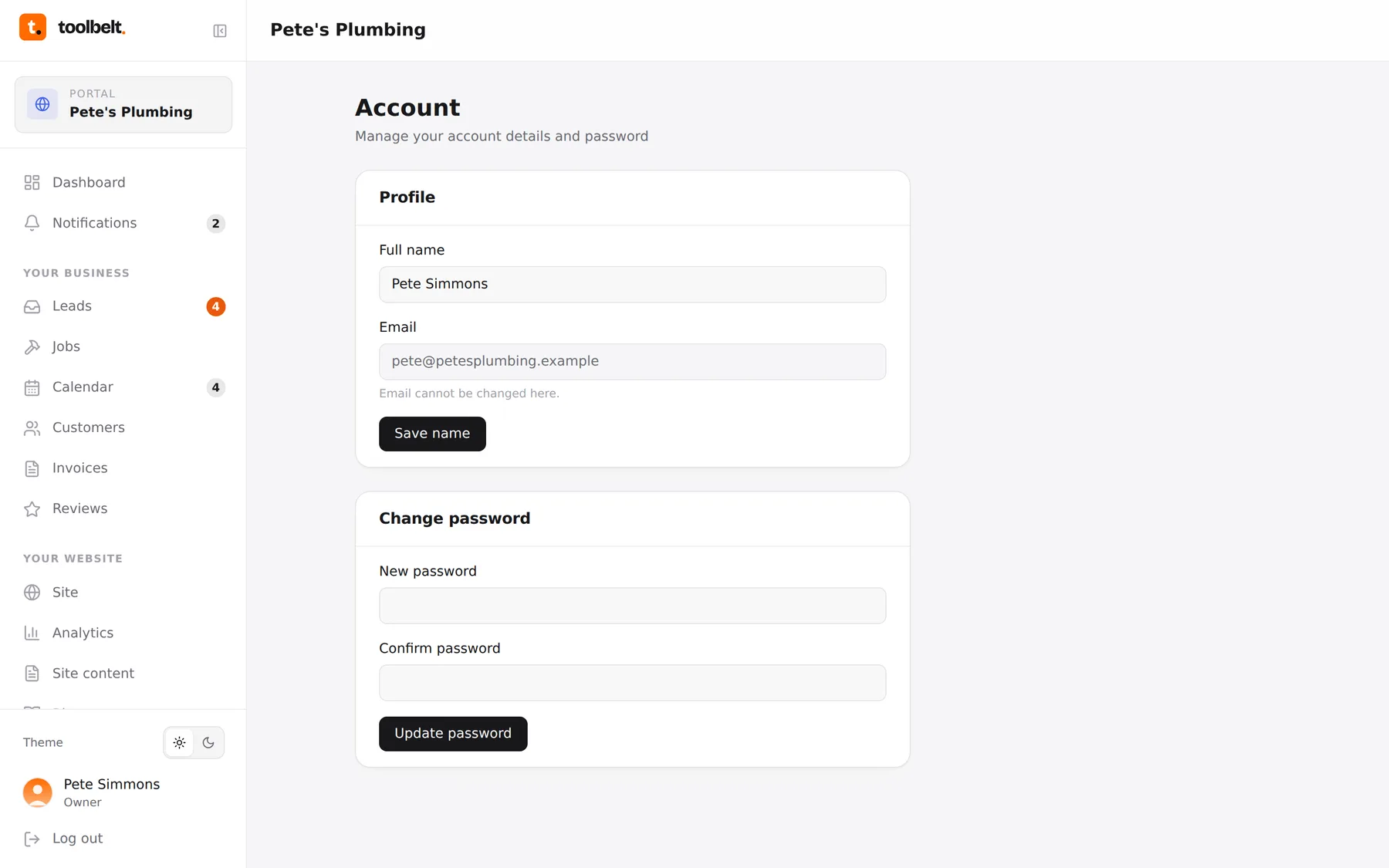
Account (bottom of the sidebar, or tap your avatar) is your own corner of the portal: your name, your email, your password.
Changing your password
- Open Account.
- Enter a new password and confirm it. Longer beats cleverer — three random words does the job.
- Save. You’ll use it from the next sign-in.
First time in the portal? You’ll be walked here automatically to set a proper password before anything else.
Your details
Your name is what your team sees around the portal — assignments, request threads, the sidebar. Your email is your login, so if it needs to change, ask us and we’ll switch it safely.
Tip: if several people share one login, stop — team members are included, and “who did what” only works when everyone’s themselves.