Publish your changes
Edits save to the portal first; publishing pushes them to your live website.
Open this in your portal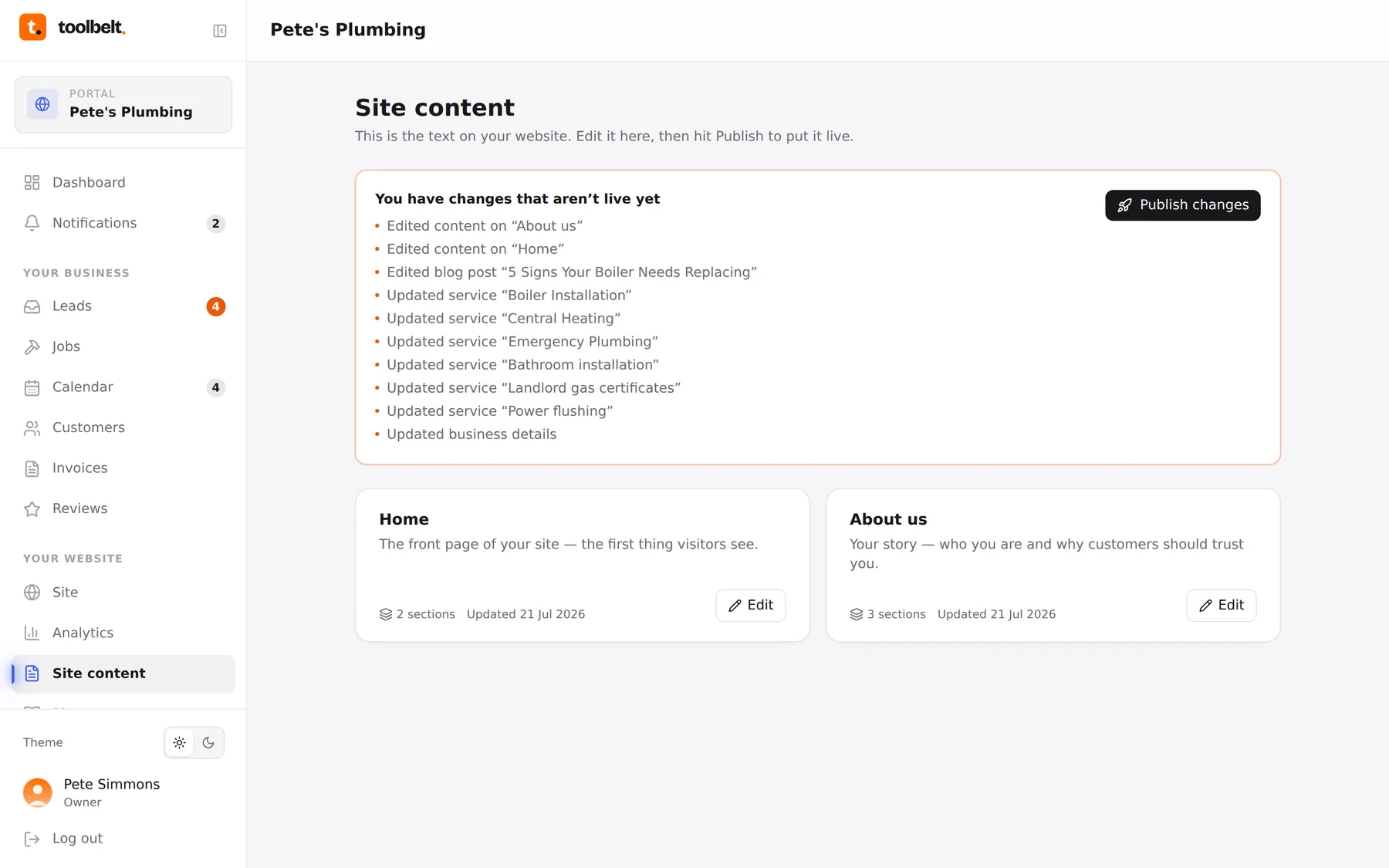
Your website is built like the professional sites are: edits go to the portal first, and publishing presses them out to the live site as a fresh, fast build. It means you can edit in peace — nothing’s public until you say go.
Step by step
- Make your edits — content, details, services, blog — and save as you go.
- The pending changes card (on the Blog and Site content pages) keeps a running list of everything saved-but-not-live since the last publish.
- Tap Publish. The build takes a few minutes; you can watch its status on the dashboard’s Site status card.
- When it flips to Deployed, your changes are live. The card goes back to its calm “everything’s live” state.
”I published but can’t see it”
Give it the few minutes the build needs, then hard-refresh the page (or check on your phone) — browsers love showing you yesterday’s version. Still odd after that? Send us a request.
Tip: batch your edits and publish once — it’s one build instead of five, and your site history stays readable.