Reading and answering your leads
Every enquiry from your website lands in Leads — here's how to work the inbox.
Open this in your portal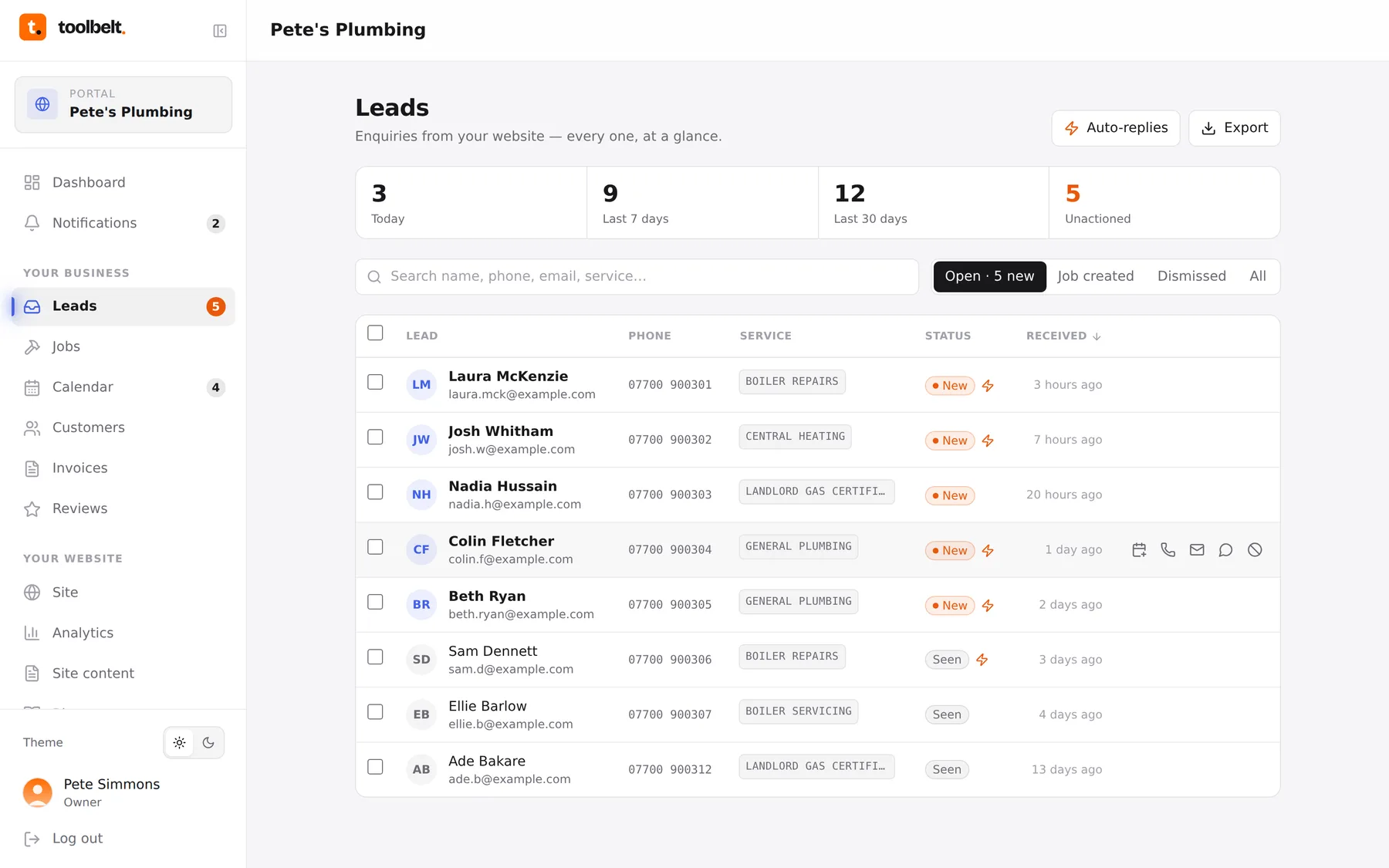
Every time someone fills in the contact or booking form on your website, it lands here — with their name, number, what they want, and when they’d like it. New ones are marked New in orange until you’ve opened them.
Working through the inbox
- Open Leads in the sidebar. Unread enquiries sit at the top, newest first.
- Tap one to see the full message and the customer’s details.
- From the detail view you can ring or email them straight away (their number and address are tappable on a phone), then:
- Create job — turns the enquiry into a job with everything pre-filled;
- Dismiss — for the tyre-kickers and the double-submissions.
The counters across the top (today, last 7 days, unactioned) tell you how you’re doing at a glance. If “unactioned” is climbing, that’s money sat on the table.
Tip: the moment an enquiry arrives, an auto-reply can go straight back to the customer so they know you’ve got it — even if you’re up a ladder.