Set up enquiry auto-replies
Send an instant 'got it, we'll be in touch' the moment someone enquires.
Open this in your portal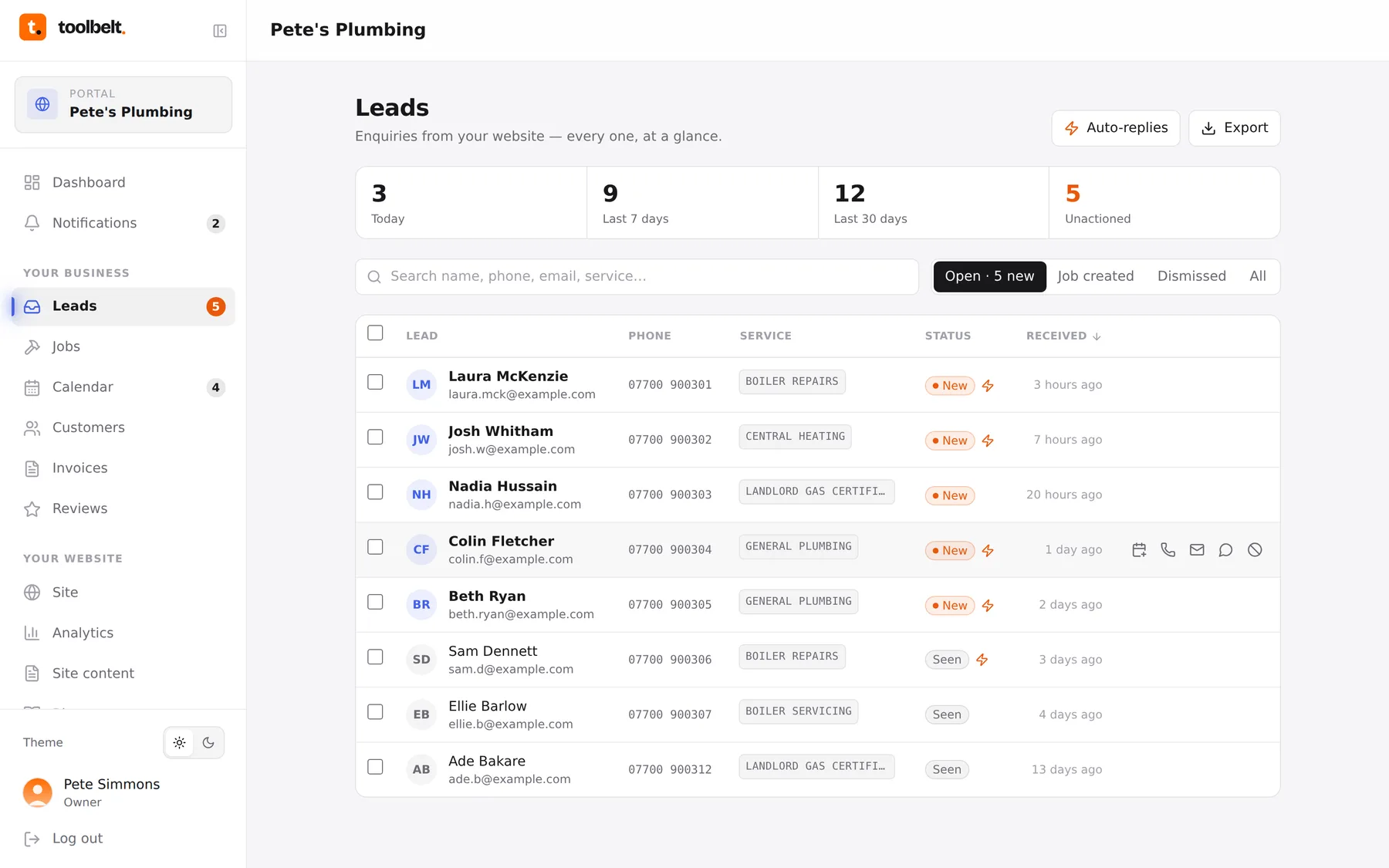
Most customers enquire with two or three tradies at once — the first one to reply usually wins. Auto-replies make sure you’re always first, even when you can’t touch your phone.
Step by step
- Open Leads and tap Auto-replies (top of the page).
- Turn on Email reply and tweak the message — keep it short and human.
{name}is swapped for the customer’s name automatically. - If texts are switched on for your account, do the same for the SMS reply.
- Save. From now on every website enquiry gets your reply within seconds, and the enquiry in your inbox shows a little ⚡ so you know it went.
What to write
Something like: “Thanks {name} — got your enquiry, I’ll come back to you today. If it’s urgent, call me on 07700 900123.” That’s it. You’re not quoting, you’re just being first.
Tip: don’t promise a time you can’t keep. “Today” or “within one working day” beats “in 10 minutes”.