Your customer list
A light-touch CRM: every customer, their details, notes and job history.
Open this in your portal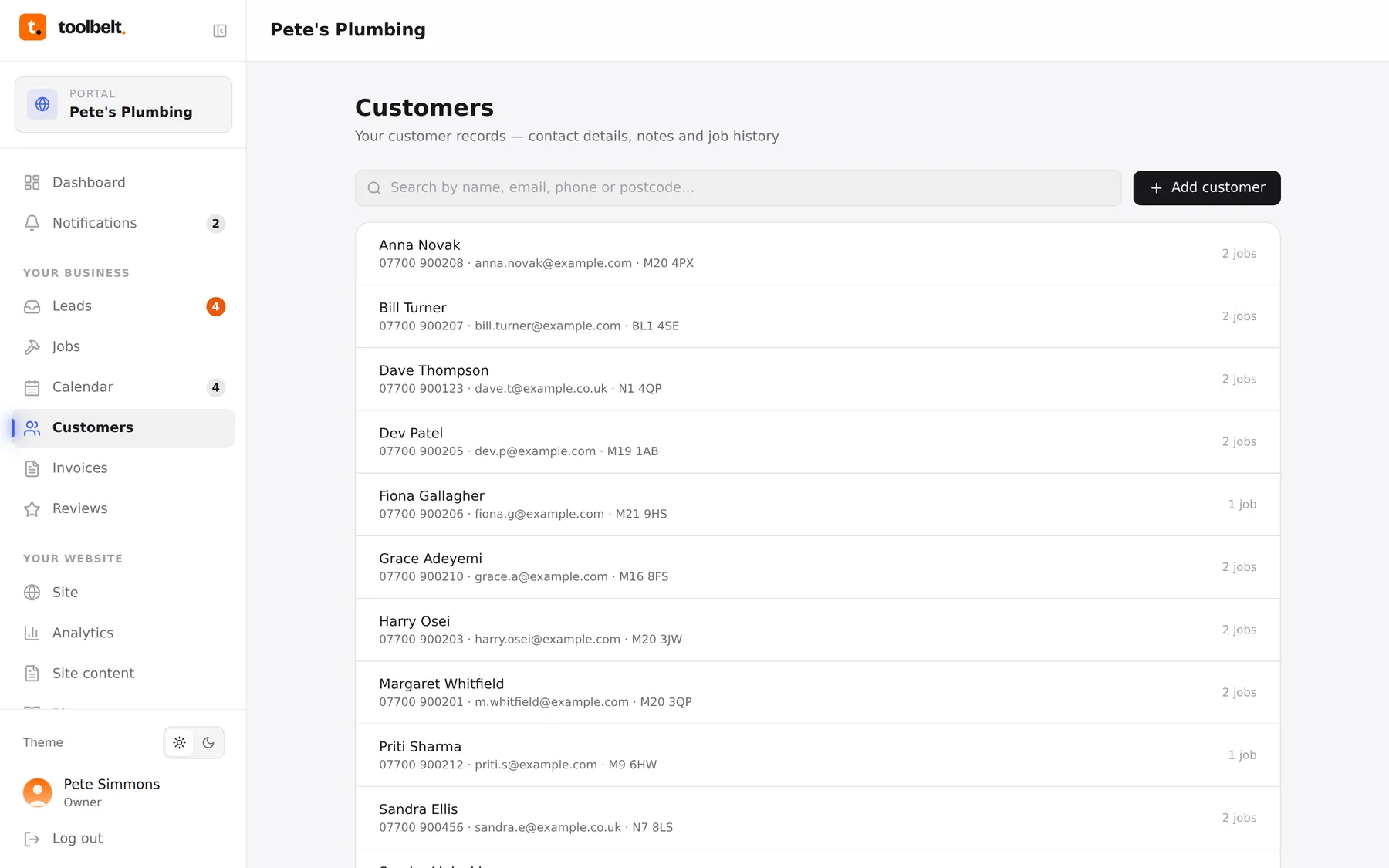
Customers is your address book with a memory. Every person you’ve done work for, with their contact details, address, your private notes, and every job you’ve ever done for them.
The basics
- Add someone with the button top-right, or let the portal do it — converting an enquiry or booking a job adds the customer automatically.
- Tap a customer to see their details, your notes (“gate code 4471”, “big labrador”) and their full job history.
- Search by name when the list gets long — it will.
Why bother keeping it tidy
- Booking a repeat job takes seconds — pick the customer and their details fill themselves in.
- Invoices pull the name and address straight from here.
- A year from now, “what did we do at the Caldwells’ place?” is one tap, not an archaeology dig through your texts.
Tip: notes are private to you and your team — the customer never sees them. Be useful, not polite.