Add, edit or remove services
The services list drives your website's service pages and your booking form.
Open this in your portal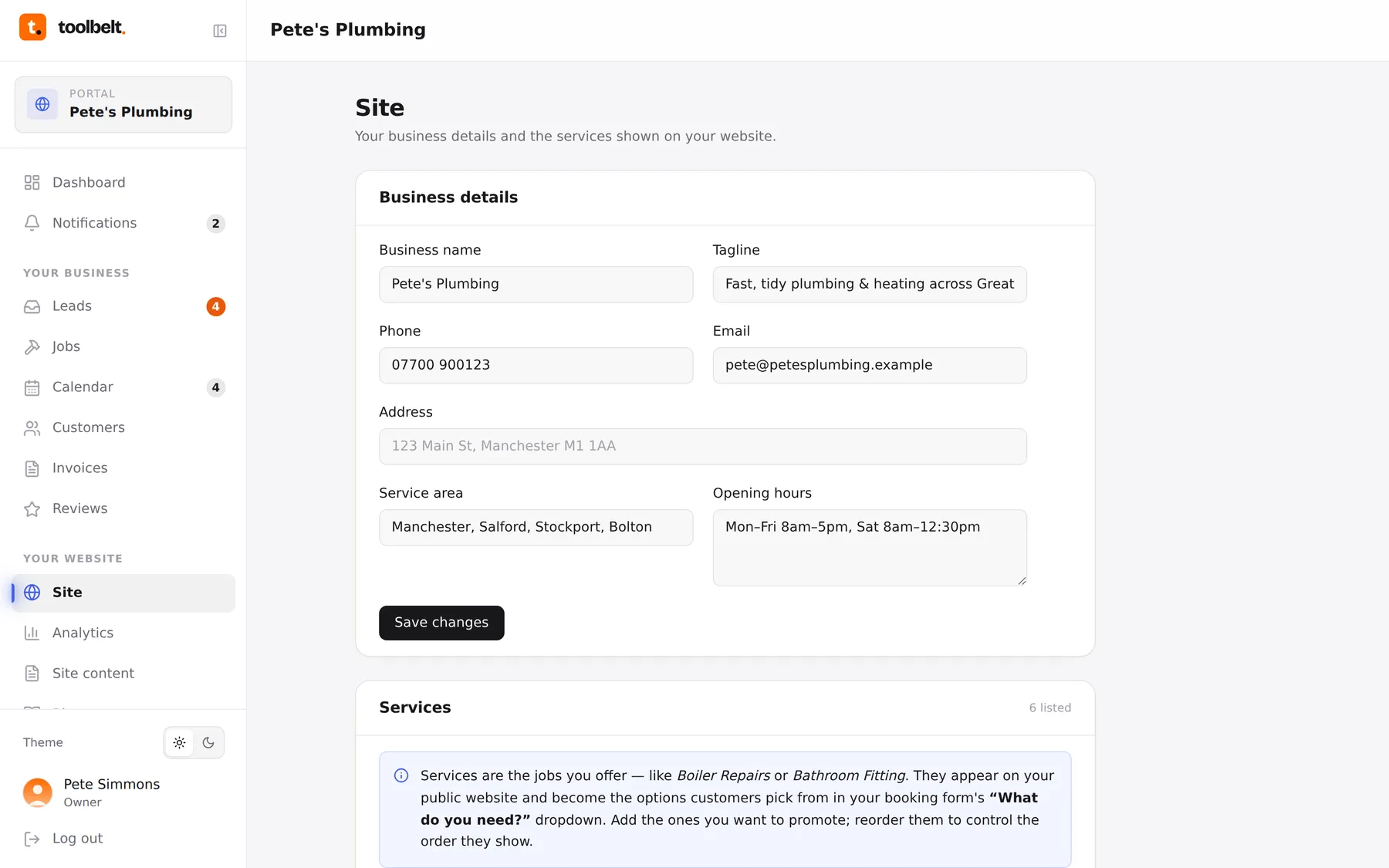
Your services list does double duty: it’s the “what we do” on your website, and the options customers pick from when they enquire or book. Keep it matching what you actually want more of.
Step by step
- Open Site and scroll to Services.
- Add a service with a clear title (“Bathroom installation”, not “Wet works”) and a sentence or two of description.
- Reorder them so your best-money work sits first — the order here is the order on your website.
- Unpublish or remove anything you’ve stopped offering. Unpublishing hides it from the site but keeps it on file; removing is for good.
- Publish when you’re happy.
New services also become options in your booking form straight away — so if you’re suddenly doing EV chargers, adding it here means people can start booking it.
Tip: more isn’t better. Six confident services beat sixteen vague ones — customers scan, they don’t read.