Create a job
Add work to your diary — scheduled, or parked until you've agreed a date.
Open this in your portal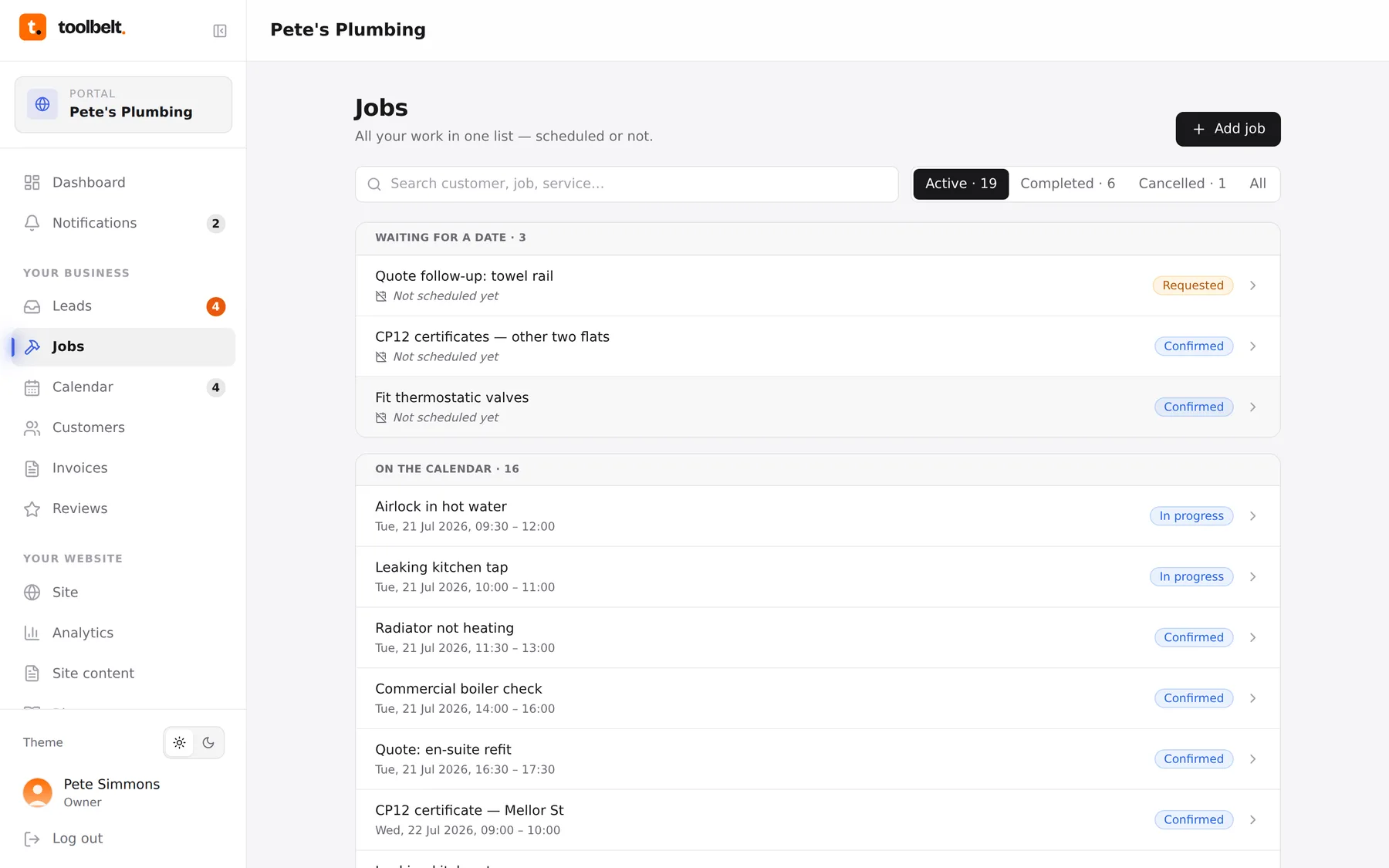
Jobs can start life three ways: a customer books through your website, you convert an enquiry, or you add one yourself — someone rang, you got chatting at the merchant, whatever.
Adding one yourself
- Open Jobs (or the Calendar) and tap Add job.
- Pick the customer — start typing and your customer list fills it in, or add a new name on the spot.
- Choose the service, add a title that’ll make sense to you later (“Boiler service — rear access”), and any notes.
- Give it a date and time, or leave it blank — undated jobs sit in your Waiting for a date list so they can’t fall through the cracks.
- Save. Scheduled jobs appear straight on your calendar; your team sees them too.
Tip: the title is what you’ll read at 7am on a Tuesday. “Fix leak” is useless; “Kitchen tap drip — cartridge, bring 35mm” is a gift to your future self.