Set up your review page
Choose where reviewers get sent — Google, Checkatrade, Trustpilot — and what your review page says.
Open this in your portal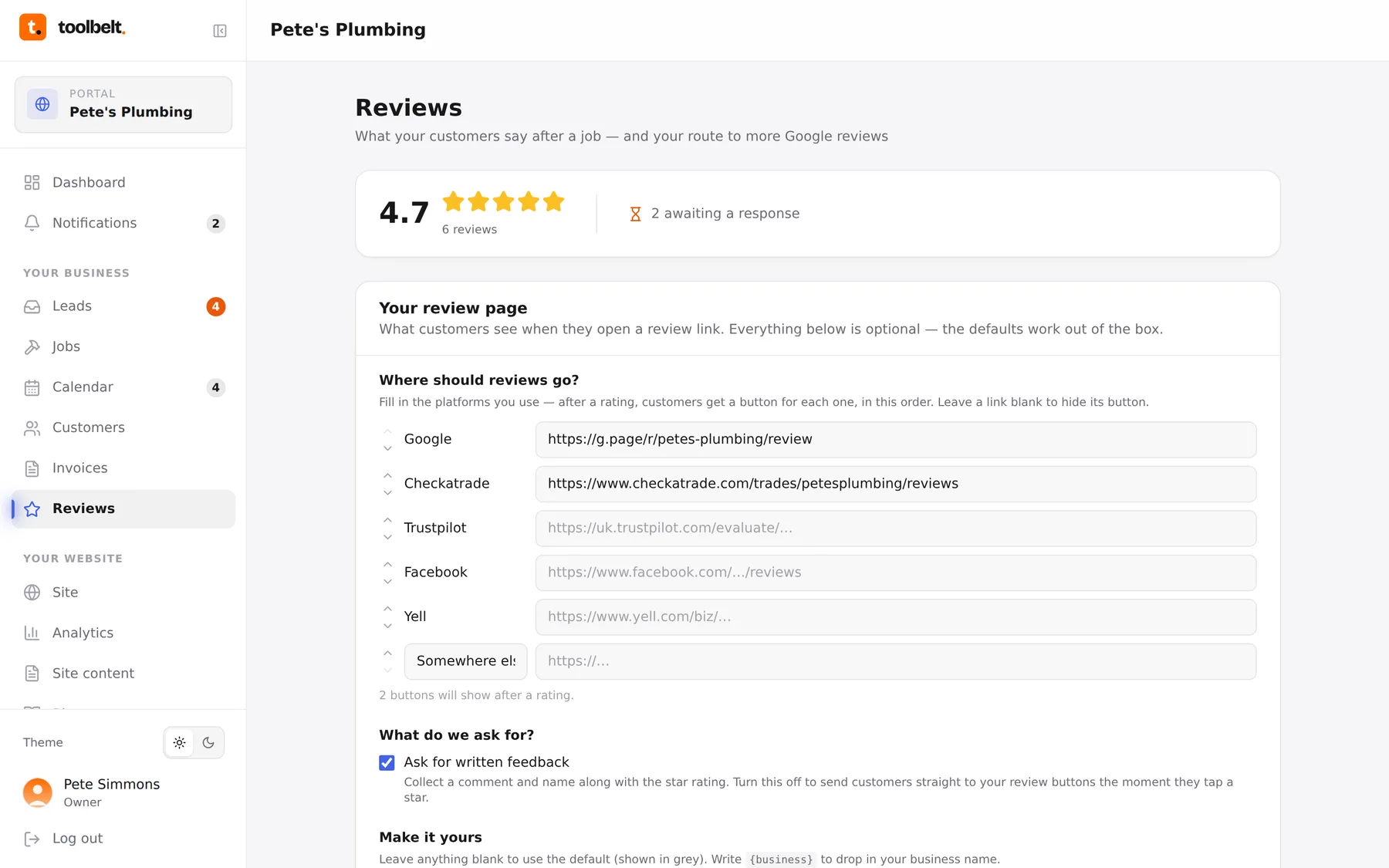
The public review page — the one your review links open — is yours to shape. What it says, whether it collects a written comment, and which platforms it pushes people towards afterwards.
Step by step
- Open Reviews and tap the settings button.
- Add your destinations in the order you want them offered: Google, Checkatrade, Trustpilot, Facebook, Yell, or any custom link. One is fine; Google first is usually right.
- Choose whether to collect a written comment on your page first, or send people straight to the platforms after they tap a star rating.
- Tweak the wording if you like — every line on the page can be yours, or leave it blank for our tried-and-tested default.
- Save. Every review link you send from now on uses the new setup.
Where do I get my Google link?
Search Google for your own business, hit “Ask for reviews”, and copy the short link it gives you. Paste that as your Google destination — done.
Tip: clicks on each destination are tracked per review, so you can see whether people actually follow through to Google — not just hope they did.